
Appearance
Allowing catch-ups for a class
Enabling catch-ups at the account level switches the feature on for your organisation, but it doesn't automatically offer catch-ups in every class. Each class has its own Catch-ups Allowed toggle, so you decide exactly where catch-ups apply.
Finding the toggle
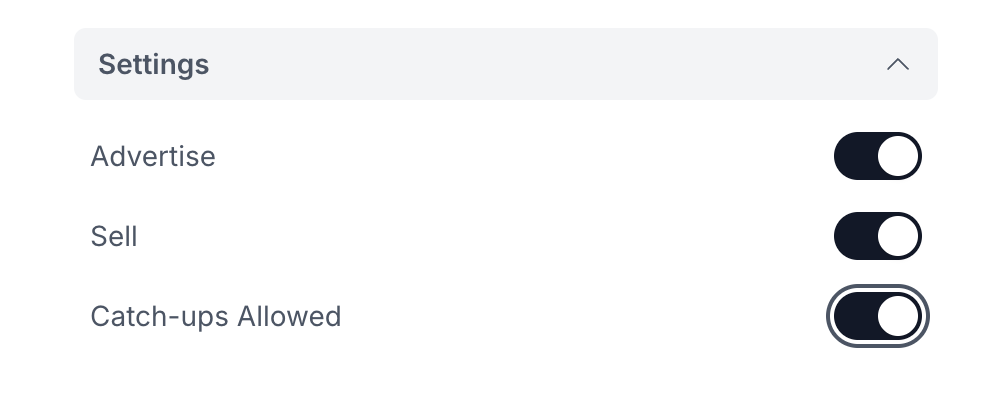
When creating or editing a class, open the Settings section of the class form. Alongside Advertise and Sell you'll find the Catch-ups Allowed toggle.
TIP
The toggle only appears once catch-ups are enabled at the account level. If you can't see it, switch catch-ups on under Settings -> Catch-ups first.
What the toggle controls
Catch-ups Allowed defaults to off, so a brand new class won't offer catch-ups until you turn it on. The setting does two things:
- It lets the class's customers bank a session when they can't attend.
- It makes the class available as a destination, so its sessions can show up as qualifying catch-ups for other students.
Both sides depend on the toggle. A class with catch-ups switched off won't let its customers bank a session, and its sessions won't be offered as catch-ups to anyone else.
This gives you fine-grained control: you can run catch-ups across most of your timetable while keeping them off for classes where a free catch-up doesn't make sense.
Once a class allows catch-ups, the timescales and limits are still governed by your account-level catch-up settings.