
Appearance
Accepting bank (Bacs) payments
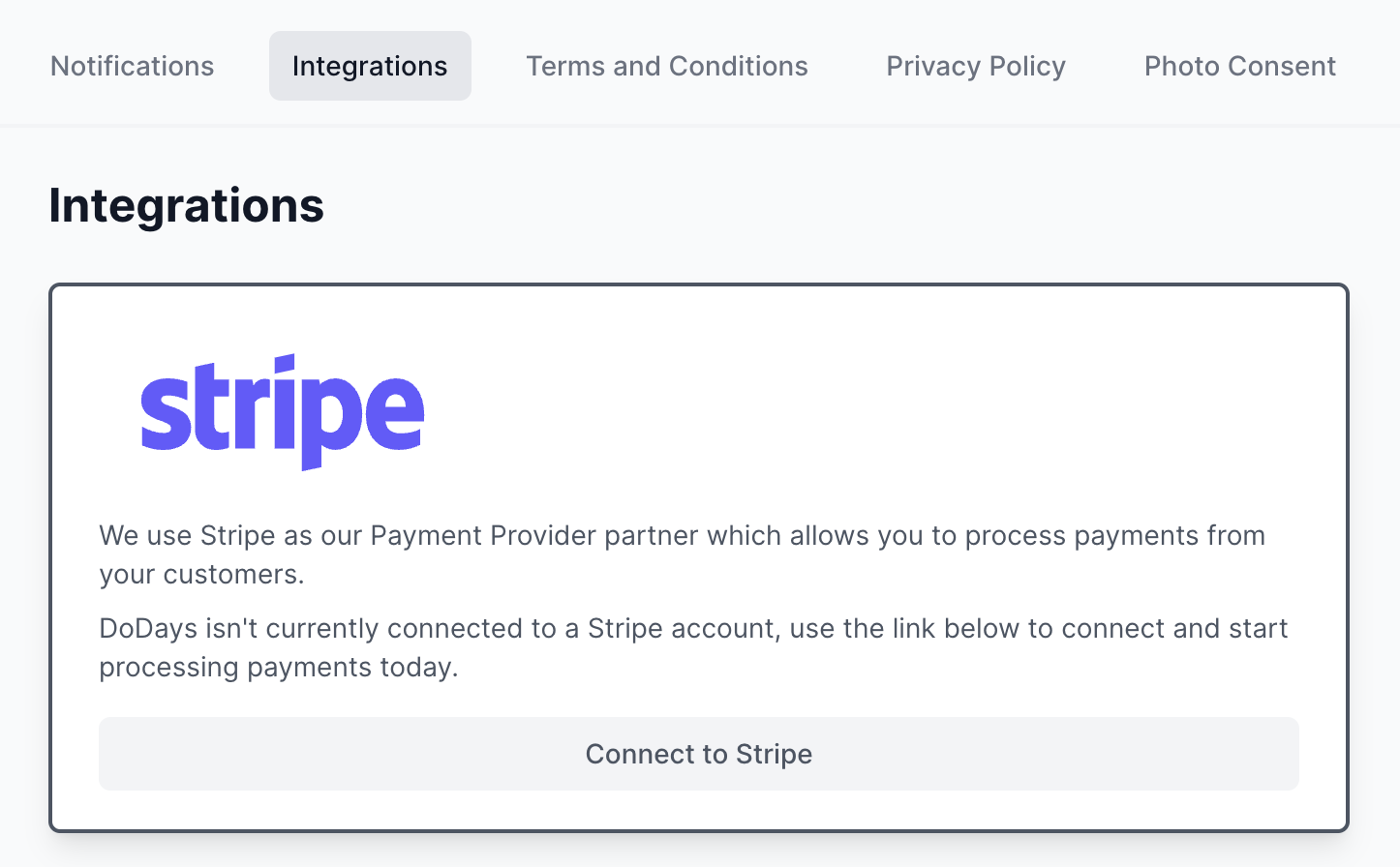
Before being able to take payments on DoDays you'll need to connect to your Stripe account from within the Integrations area of Settings.
Bank payments offer a cheaper way to process payments on DoDays, incurring a 1% fee, with a minimum of 20p and capped at £2.00, and uses the Bacs network.
It's important to note Bacs is a delayed payment method, meaning it can take up to 6 business days for funds to clear and be available in your Stripe account to payout.
Create a new price
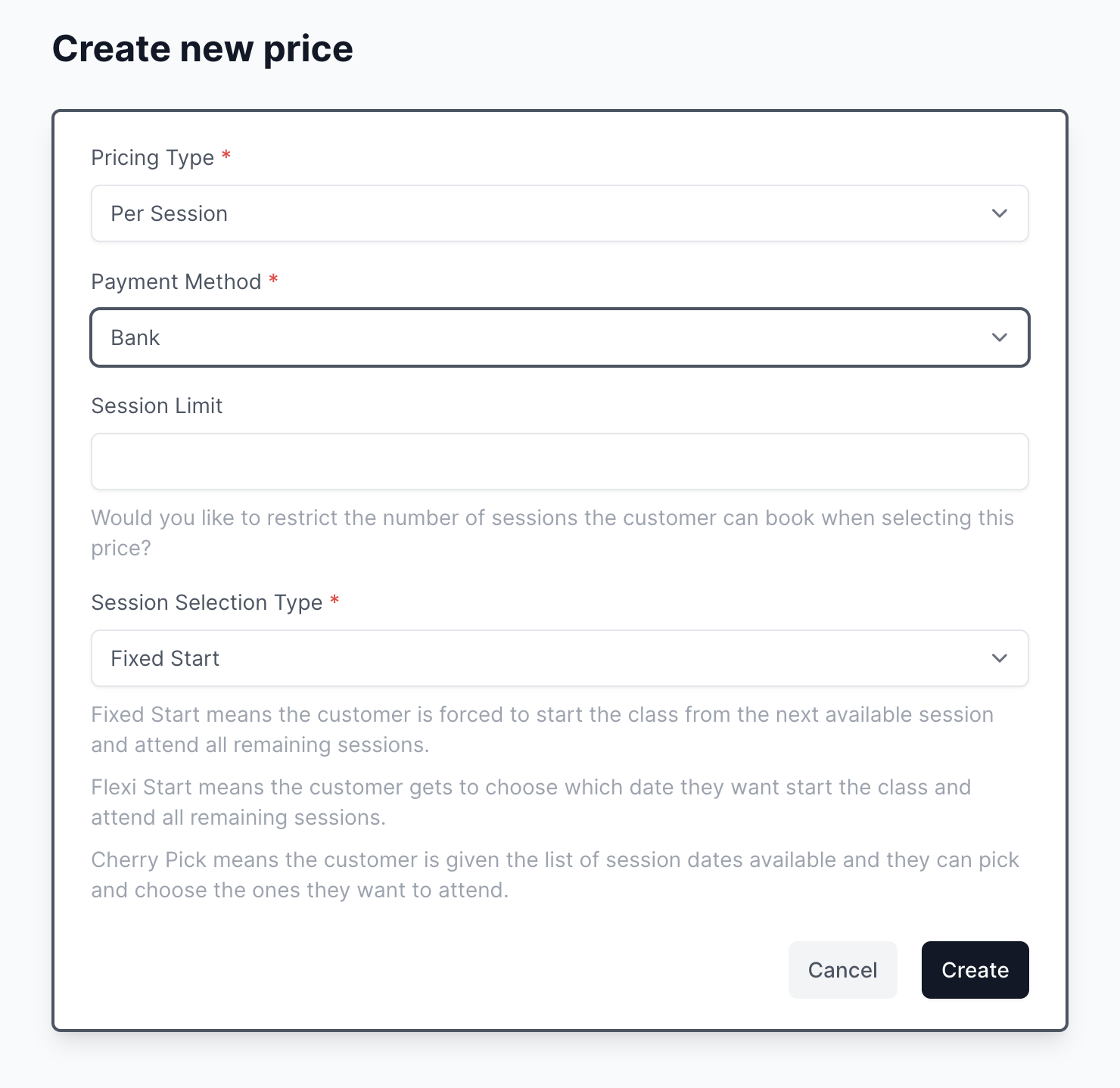
In order for your customers to book using the Bank payment method, first you'll need to create a new price and select Bank as the Payment Method.
Attaching a bank account
If customers have previously paid by Bank or are subscribed to a Direct Debit payment plan, they will automatically have the option of attaching/changing their bank account details. See the For Families -> Payments -> Attaching a bank account support article for more details.
As a provider you also have the ability to attach a bank account to any customer. Navigate to a customer and under Payment information you'll see the option to Attach bank account.
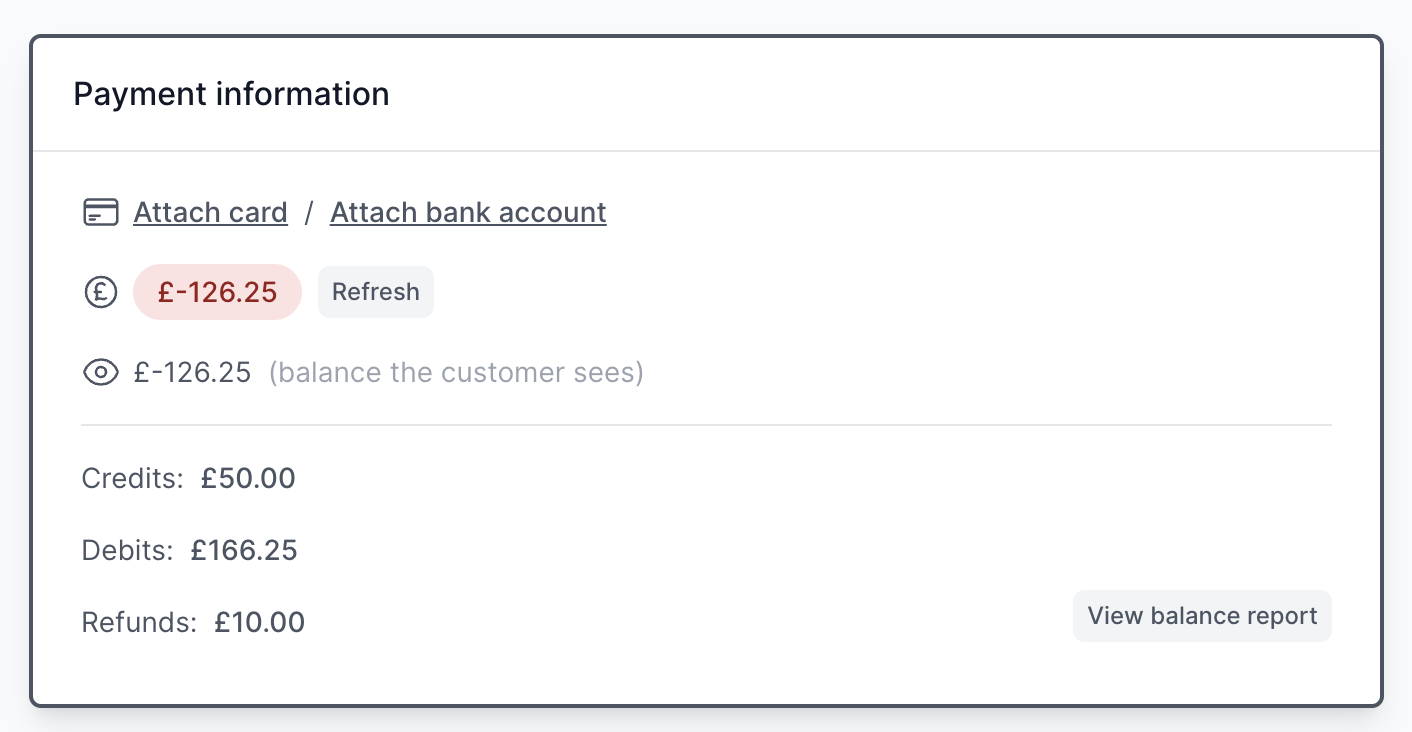
When clicked you'll navigate to a screen where you can enter the customers bank account details.
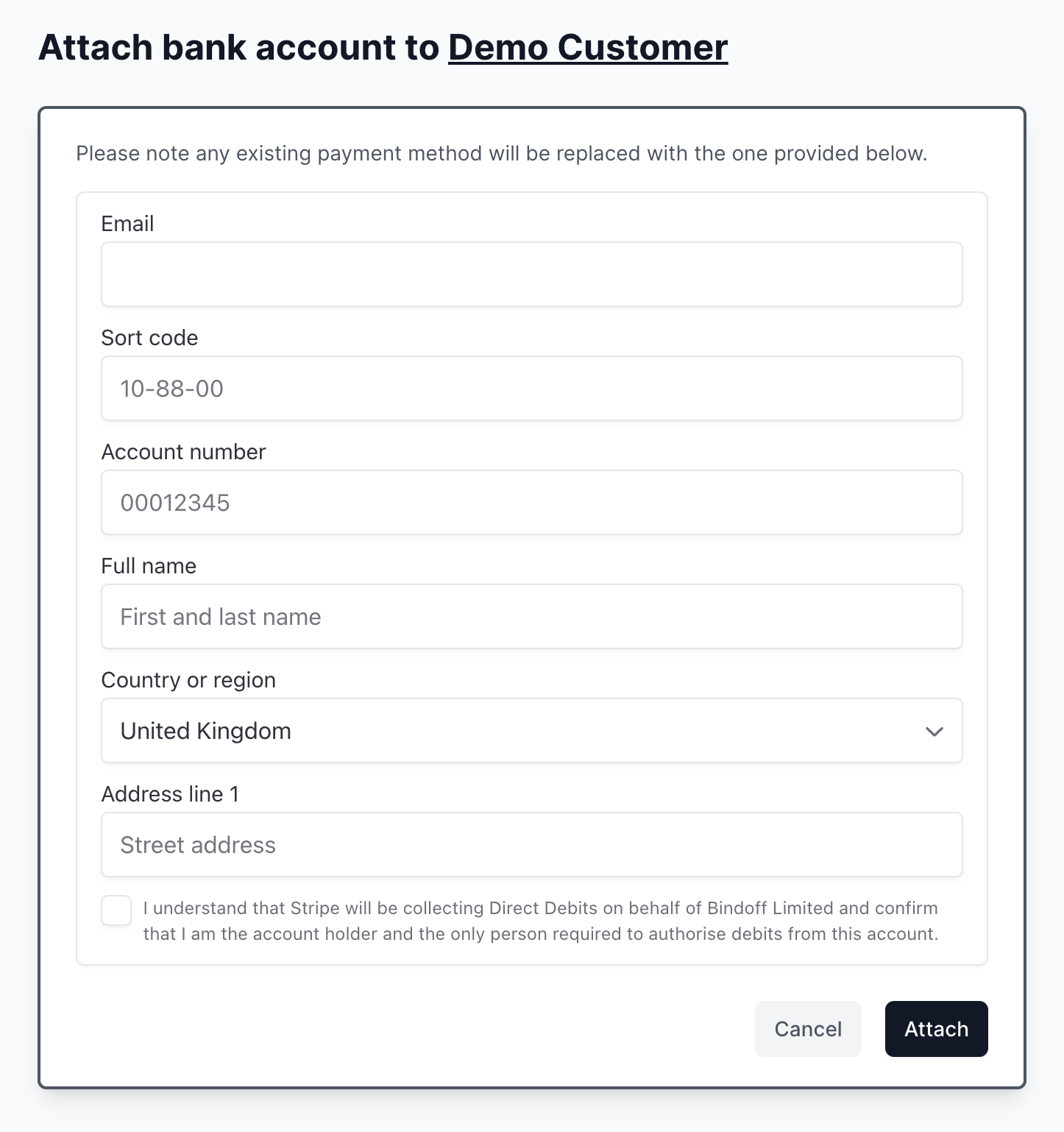
Once the bank account is attached this will become their default payment method and any previous card/bank account will be removed.
PLEASE NOTE
Bacs is a delayed payment method and it can take up to 6 business days for funds to clear and be available in your Stripe account to payout.