
Appearance
Your child's progress on DoDays
If your child's provider tracks progress through stages and goals, you'll see them in two places in your DoDays account.
The first is on your child's profile. Open your account, choose your child, and you'll see the stage they're currently working on along with the list of goals that make up that stage.
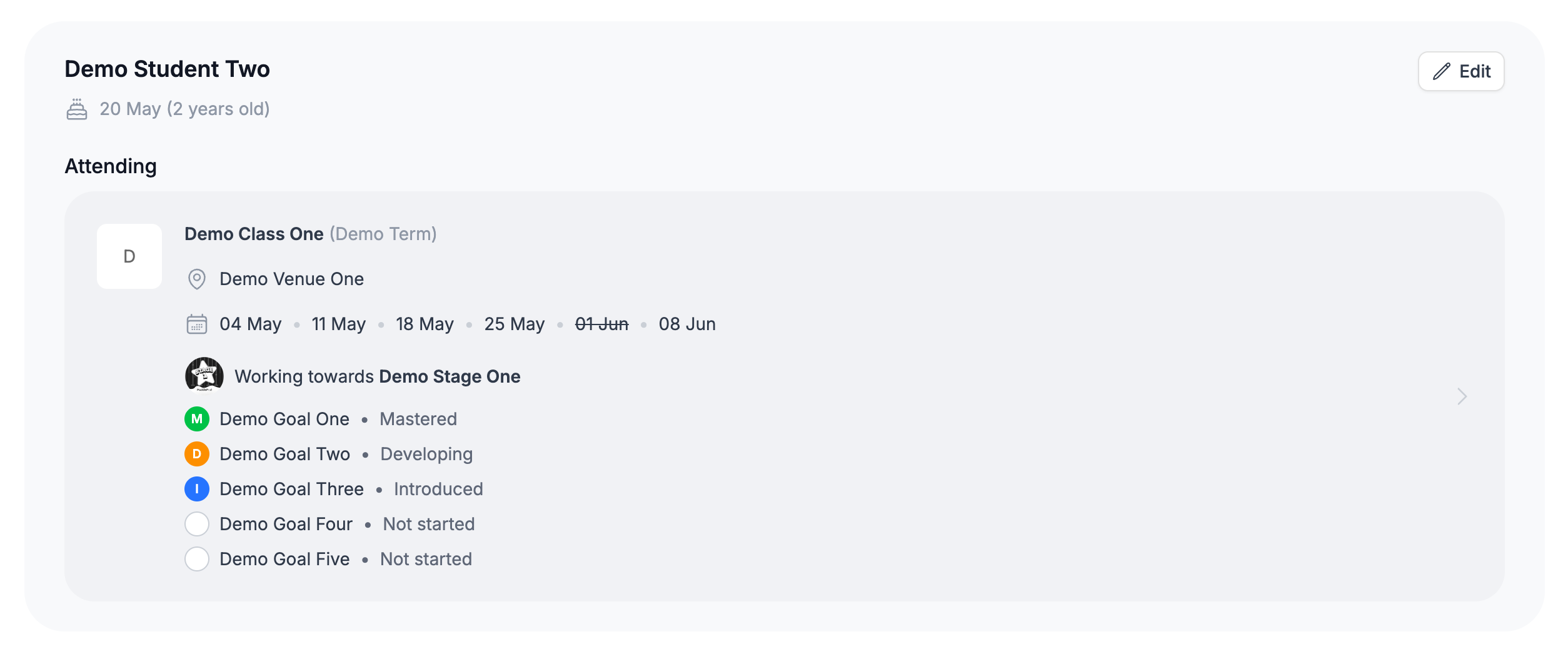
The second is on each individual booking. Inside the booking you'll see the same goals listed against the class your child attends, so you can see what they've been working on session by session.
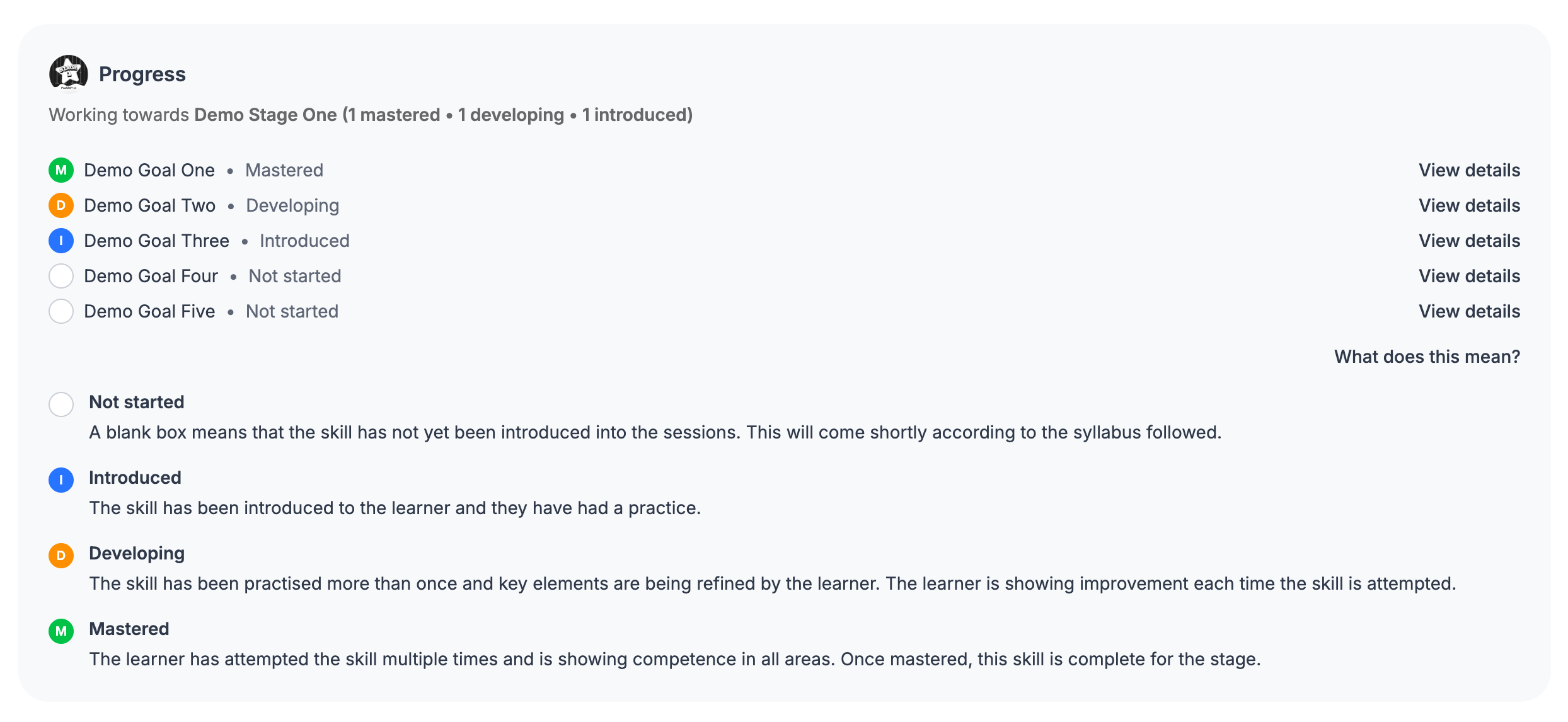
What you see against each goal depends on how your provider records progress:
- Some providers tick goals off as they're achieved. A ticked goal means your child has achieved it; an empty one means it's still to come.
- Other providers show each goal moving through a series of colour-coded states - blue, amber, then green - as your child practises and refines the skill. See Understanding the I/D/M states for what each colour means.
When your child completes a stage, their provider awards it. You'll see the date the stage was awarded on their profile, and when your provider moves them onto the next stage you'll see that here too. Awarded stages can also carry a badge and a downloadable certificate - see Your awards, certificates, and learning journey.
TIP
Progress updates as soon as your provider records it - there's no need to refresh or wait for an email. If you spot something that doesn't look right, the best person to ask is the teacher running your child's class.