
Appearance
Your awards, certificates, and learning journey
When your child's provider tracks progress through stages and goals, their DoDays account celebrates the journey with badges, certificates, and extra detail about what your child is learning. Here's what to look out for.
Stage badges
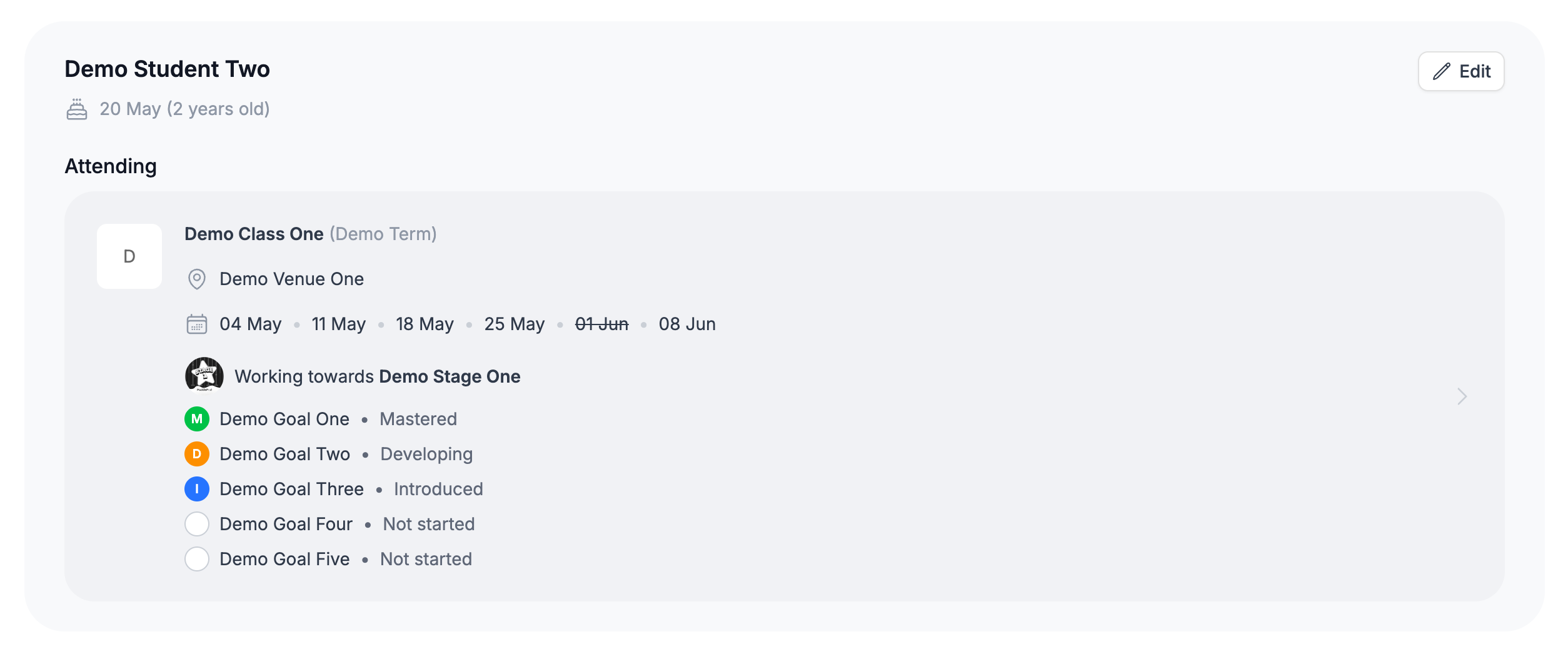
Each stage can have its own badge - a small image that represents that level. When your child is awarded a stage, its badge appears in full colour under Awarded on their profile, along with the date and your provider's name.

The stage your child is working towards
The stage your child is currently working towards shows the same badge greyed out, next to Working towards. Think of it as a preview of the next badge they'll earn. You'll see it on your child's profile and inside each of their bookings, next to the goals they're working on - see Your child's progress on DoDays.
Downloading a certificate
If a stage has a certificate, a Download certificate link appears next to it under Awarded once your child has earned the stage. Tap it to open the PDF in a new tab, where you can save or print it.
Goal descriptions, images, and videos
Some providers add extra detail to individual goals. Where they have, a View details link appears next to the goal in your child's progress.
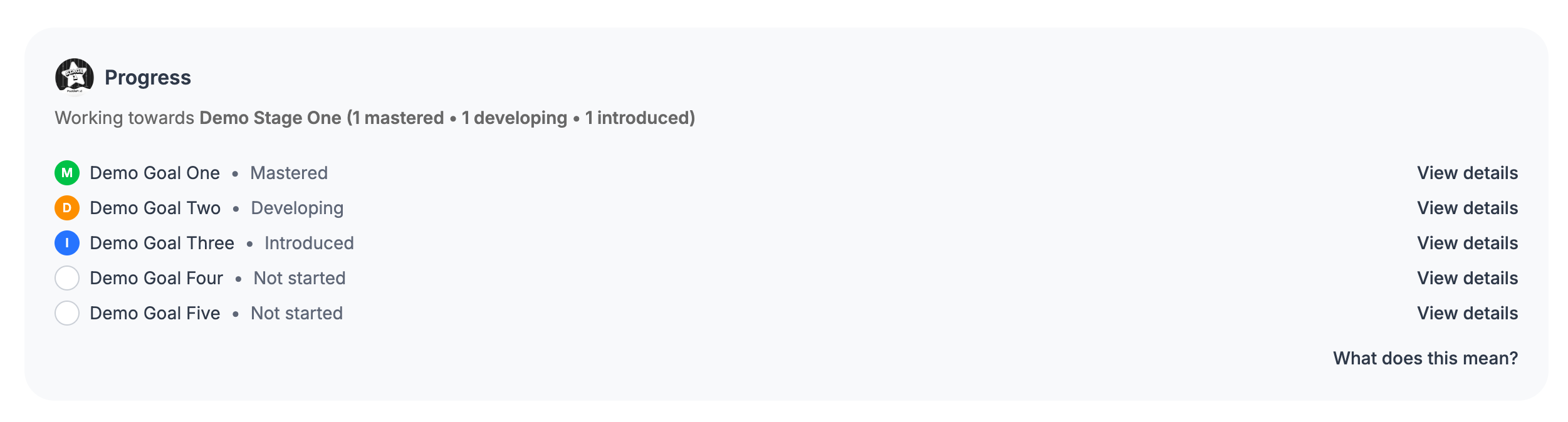
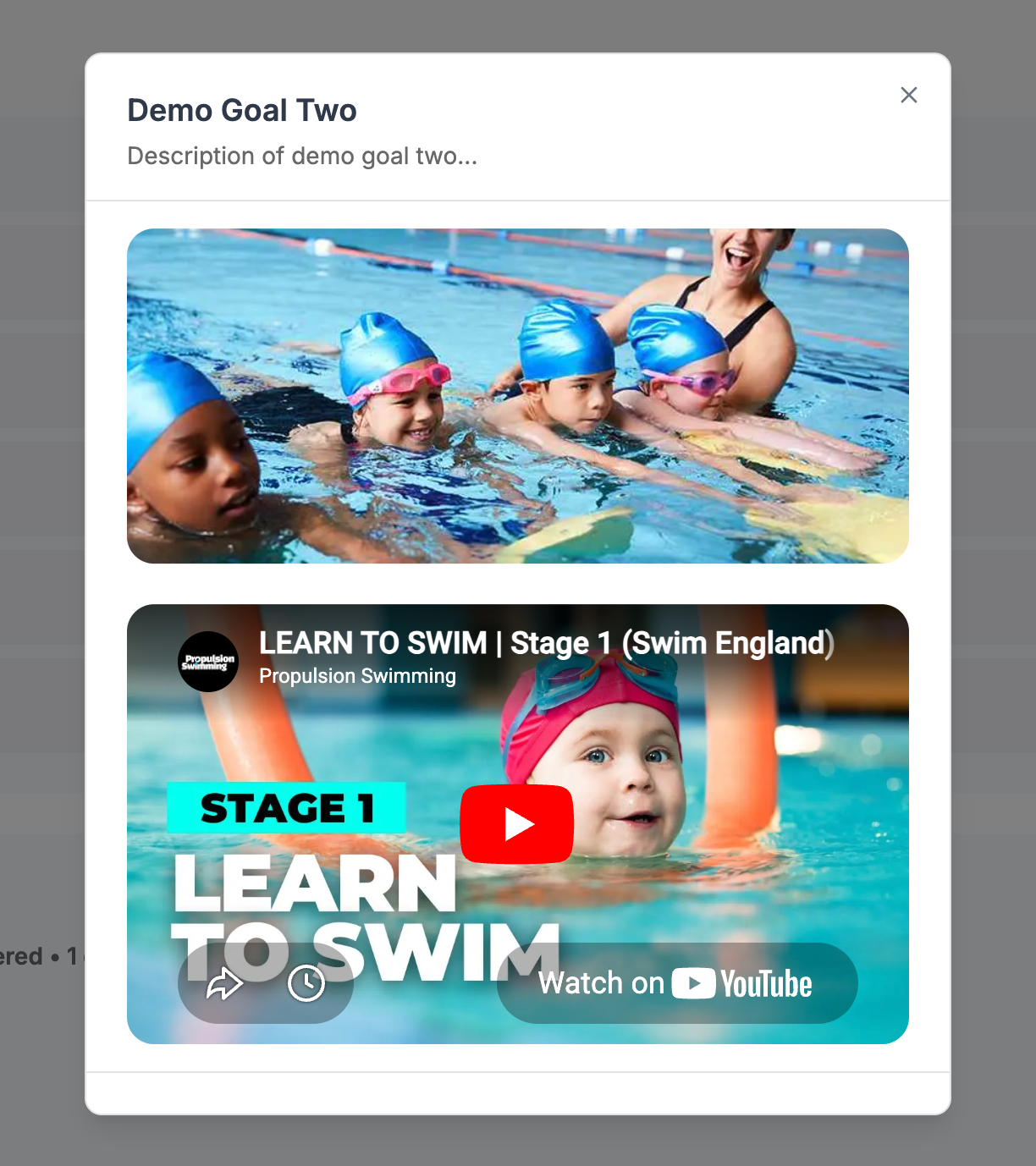
Tap it to open a short description, an image, and sometimes a video demonstrating the skill - useful for understanding what your child is practising and how to help at home.
If your provider hasn't added badges or certificates yet
Badges, certificates, and goal detail are all optional, and not every provider uses them. If you see a plain default badge instead of artwork, or there's no certificate to download, that's completely normal - it simply means your provider hasn't added that content. Your child's progress is tracked in exactly the same way either way.